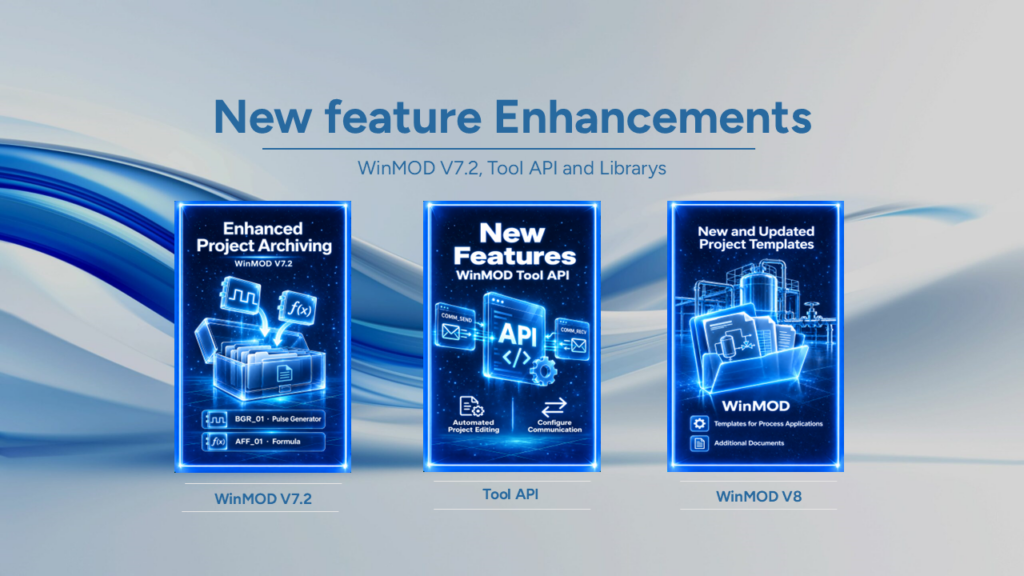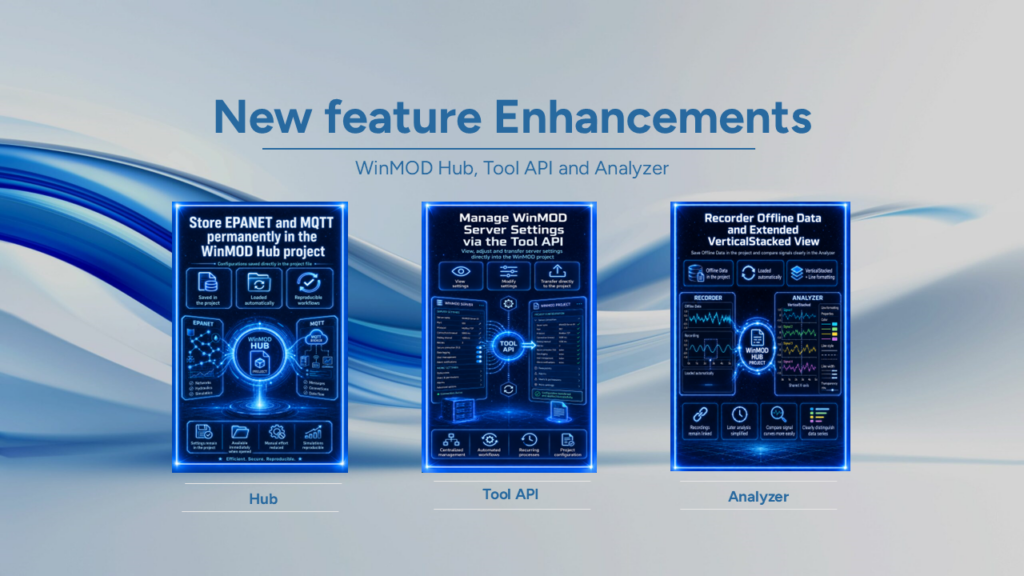
With WinMOD Build 86 SP1 WinMOD expands the functionality for project editing, signal management and Automation. The focus is on numerous improvements to WinMOD V8. These relate in particular to operand assignment, macro processing and the user interface.
In addition, the EtherNet/IP emulation, FANUC ROBOGUIDE and the libraries for WinMOD V7.2 further updates. WinMOD thus supports existing workflows relating to Simulation, Digital Twin and Virtual Commissioning.
Highlights:
- Optimised operand mapping and unique signal names
The Operand assignment now generates unique Signal name-entries. This enables WinMOD to avoid ambiguities when mapping signals. Furthermore, the import of operand mappings is significantly faster and more reliable. In addition, the import supports the option „Take configured prefixes for signal names into account“. Furthermore, when exporting the Signal data structure Now it also includes automatically generated signal names. This means that WinMOD improves the consistency of the signal data and makes it easier to work on projects.
- Enhanced import functions and improved error messages
The Engineering Assistant now provides more detailed error messages when importing macros. If a macro type is missing the macro signal it is supposed to be linked to, WinMOD specifically highlights this error. This also applies when importing the List of operands Users benefit from improved error messages. These highlight, for example, entries in the field that are too long or too short Default value for operands of type Block . Furthermore, WinMOD optimises the import of existing WinMOD V7.2 projects. If, when exporting from WinMOD V7.2, a Ident, WinMOD assigns this automatically during import. This applies to the function File > Import project…. This enables users to import and continue working on existing projects more reliably.
- Improved macro management and labelling
WinMOD improves the group Labelling with COMM_SEND, COMM_RECV and Macros. This now works reliably even if users do not have a Column names of the labels Select ‘Visible’. The relevant setting can be found under Configuration > Project settings… in the tab Elements. Furthermore, the existing graphical wiring remains intact when editing and saving via Edit macro received. In addition, WinMOD automatically suggests suitable file names when saving or replacing macros and components. In doing so, the software uses the respective Macro or component type as a suggestion. WinMOD therefore makes it easier to manage recurring components and reduces the need for manual tasks.
- Optimised user interface and project management
WinMOD V8 improves the display of small Active Text-elements and adapts them to WinMOD V7.2. Users also benefit from an optimised display of the Text elements. Navigation within the workspace also offers additional options. Whilst selecting a rectangular area, users can now use Image Up and Image from scroll through the workspace more quickly. Furthermore, WinMOD simplifies the editing of formulae by removing superfluous Undo steps No longer required. As a result, WinMOD improves user-friendliness and makes day-to-day project work easier.
- Improved stability and processing of signal values
Moving simulation elements now works more stably and reliably. In addition, the handling of negative Fair values improved. WinMOD now recognises such inputs and intercepts them. In addition, the option „Use Control Panel settings“ Now the relevant operating system setting. This relates to the internal analogue formats Fixed-point and floating-point. WinMOD V8 thus improves the processing of relevant inputs and system settings.
- Updated runtime environment and enhanced tool API
The setup will now install the Microsoft Windows Desktop Runtime 10.0.14. WinMOD thereby updates the required runtime environment for the relevant .NET applications. In addition, the WinMOD Tool API a new feature for searching for documents that have already been opened WinMOD V8 projects. As a result, WinMOD expands the possibilities for automated project planning and testing workflows. This new feature is particularly useful for supporting recurring engineering processes and automated project management.
- New features for the B120 – EtherNet/IP emulation
The WinMOD Exporter Logix Now also supports CPUs with multiple Ethernet ports. In addition, WinMOD-COMOD expanded. The application now supports CPUs that establish a special connection to EtherNet/IP devices require. WinMOD thus extends its support for various control and communication configurations. These functions make it easier to integrate such systems into simulation environments.
- Improved workcell import for the RG200 – FANUC ROBOGUIDE
The WinMOD Hub now offers improved fault tolerance when importing workcells. The optimisation applies to the function Import Workcell… for FANUC ROBOGUIDE. This makes the import process more robust and ensures the reliable transfer of the relevant workcell data. This simplifies the preparation of robot simulations and virtual commissioning.
- Updated WinMOD V7.2 library package Lib_Libs
That, too, WinMOD V7.2 Library Package Lib_Libs has been updated. The revised version complements the latest extensions for WinMOD V8. This means that updated library content is now also available for existing WinMOD V7.2 applications.
The latest additions to WinMOD Build 86 SP1 improve key workflows in project planning, signal management and simulation. At the same time, they extend support for a range of control systems and communication interfaces. WinMOD thus broadens its range of applications for Software Testing, Digital Twins and Virtual Commissioning.
If you have any questions about the new features or how to use them, our support team will be happy to help as usual.